



Let’s be honest — asking for reviews feels a little awkward. You don’t want to seem desperate, and you definitely don’t want to annoy your customers.
But here’s the thing: most happy customers want to leave you a review. They just forget. Or they don’t know where to go. Or the process feels like more effort than it’s worth.
That’s not a motivation problem — it’s a friction problem. And if you’re trying to figure out how to get more Google reviews for your small business, friction is exactly what you need to eliminate.
In this post, I’ll walk you through 7 simple, proven strategies to get more Google reviews — without feeling pushy or spammy about it.
Why Google Reviews Matter More Than You Think
Before we get into the “how,” let’s talk about the “why” — because if you’re not convinced this is worth your time, none of the tactics below will stick.
Google reviews directly affect two things:
1. Your local search rankings. Google’s algorithm uses the quantity, quality, and recency of your reviews as a ranking signal for local search and Google Maps. More reviews — especially recent ones — means a better chance of showing up in the coveted Maps 3-Pack.
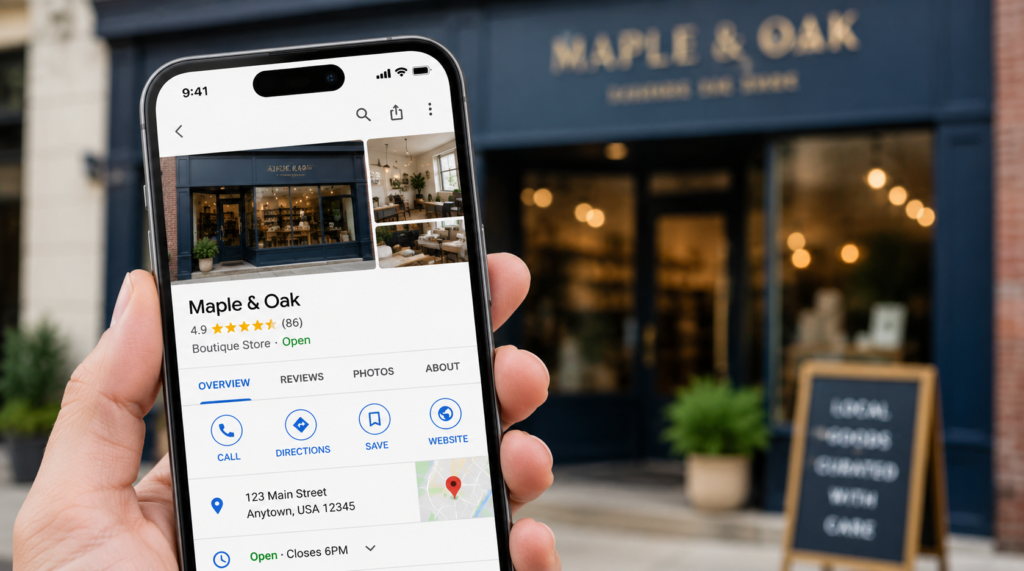
2. Customer trust. Studies consistently show that consumers trust online reviews as much as personal recommendations. A business with 4 reviews looks sketchy. A business with 87 reviews at 4.8★ looks like the obvious choice.
The bottom line: if your competitors have more reviews than you, they’re winning customers you should be getting.

Step 1: Make It Dead Easy With a Direct Review Link
The single biggest reason customers don’t leave reviews? They don’t know where to go. They’d have to search for your business, find the review button, click through — it’s too many steps.
The fix is simple: create a direct Google review link and share it everywhere.
A direct review link takes customers straight to your Google review box — one click and they’re ready to type. No searching, no clicking around.
👉 Generate your free Google review link here — it takes about 30 seconds and you’ll also get a QR code you can print and display in your store or office.
Once you have your link, you can:
- Drop it in your email signature
- Add it to your post-purchase emails or receipts
- Text it directly to happy customers
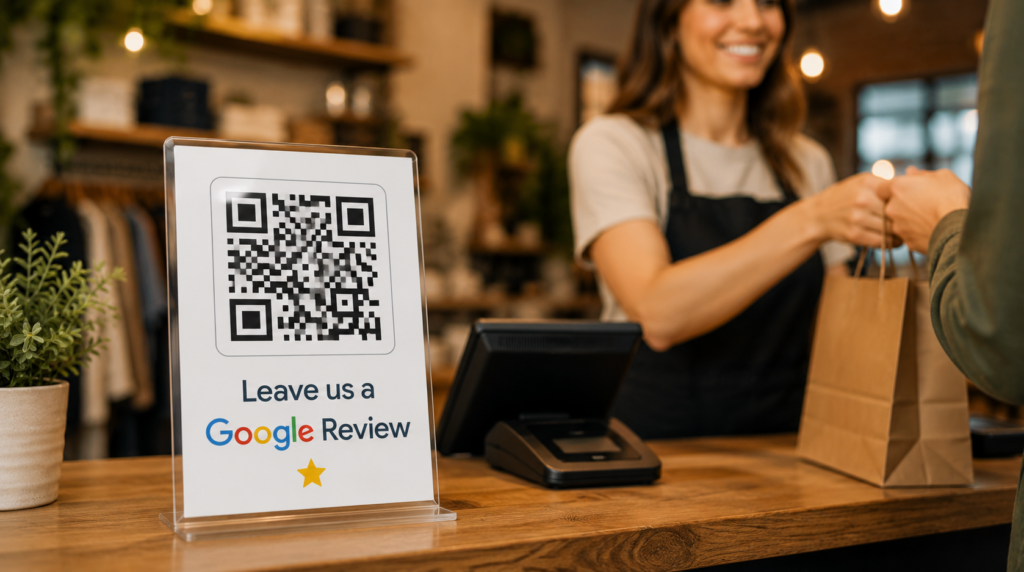
- Print the QR code and stick it at your checkout counter or front desk
Step 2: Ask at the Right Moment
Timing is everything. The best moment to ask for a review is right after a customer has had a positive experience — not a week later when the feeling has faded.
Think about your natural “happy moments” — the points in your customer journey when someone is most satisfied:
- Right after a job is completed
- When a customer compliments you in person
- At checkout when everything went smoothly
- After a successful follow-up call
Train yourself (and your team) to say something simple like: “I’m really glad that worked out for you! If you ever get a minute, an honest Google review would mean the world to us — I can text you the link right now.”
Most people will say yes in that moment.
Step 3: Send a Follow-Up Text or Email
Not every happy customer is standing in front of you when the moment hits. That’s where follow-up messages come in.
A simple text or email sent within 24–48 hours of a completed job is incredibly effective. Keep it short and personal — not a generic blast.
Example text:
“Hey [Name], thanks again for choosing us today! If you have 60 seconds, we’d love a Google review — it really helps our small business. Here’s the link: [your review link]”
That’s it. No essay. No guilt trip. Just a friendly ask with a direct link.
Step 4: Add Your Review Link to Your Email Signature
This one takes five minutes to set up and works on autopilot forever.
Every email you send is a touchpoint with a real person. Adding a small “Leave us a Google Review ⭐” line to your email signature — linked to your direct Google review link — means every conversation you have is a passive review request.
It’s subtle, not pushy, and adds up over months.
Step 5: Print a QR Code for Your Physical Space
If you have a storefront, office, or any physical location, a printed QR code is a game-changer.
Put it:
- On your front counter or reception desk
- At the bottom of printed receipts or invoices
- On a small table tent in your waiting area
- On the back of your business cards
When customers are sitting or waiting, they’re already on their phones. Give them somewhere useful to go.
When you generate your review link, you’ll also get a downloadable QR code ready to print — no design tools needed.
Step 6: Respond to Every Review You Already Have
This one surprises people — but responding to your existing reviews encourages more reviews.
When potential reviewers see that you actually respond, they feel like their review will be read and appreciated. It signals that you’re an active, engaged business owner who cares.
For positive reviews: thank them by name, mention something specific, keep it warm.
For negative reviews: stay calm, apologize, and offer to make it right. A well-handled negative review can actually build trust with prospective customers.
Step 7: Make It a System, Not a One-Off Task
The biggest mistake small businesses make with Google reviews is treating it as a one-time push. You send a few requests, get a handful of reviews, and forget about it for six months.
Google rewards recency. A steady stream of reviews over time beats 50 reviews in one week followed by silence.
The businesses that consistently outrank competitors on Google Maps are the ones with a review generation system baked into their daily process — not something they think about occasionally.
If you’d like to put this on complete autopilot, that’s exactly what our Review Management service handles for you. But even doing it manually, consistency is the key.
Quick-Start Checklist ✅
Before you close this tab, do these three things right now:
- Generate your direct Google review link → Free Review Link Generator
- Send it to your last 5 happy customers via text or email
- Add it to your email signature today
Wrapping Up
Getting more Google reviews doesn’t require a big budget or a complicated strategy. It requires making it easy for happy customers to say something nice, and asking at the right moment.
Start with your direct review link. Share it everywhere. Ask consistently. Respond to every review. Watch your Google Maps ranking climb over time.
If you want a full picture of where your local SEO stands today — grab a free audit here. We’ll show you exactly what’s holding you back.
Written by the Localaized team — helping small businesses dominate local search, one Google Maps ranking at a time.